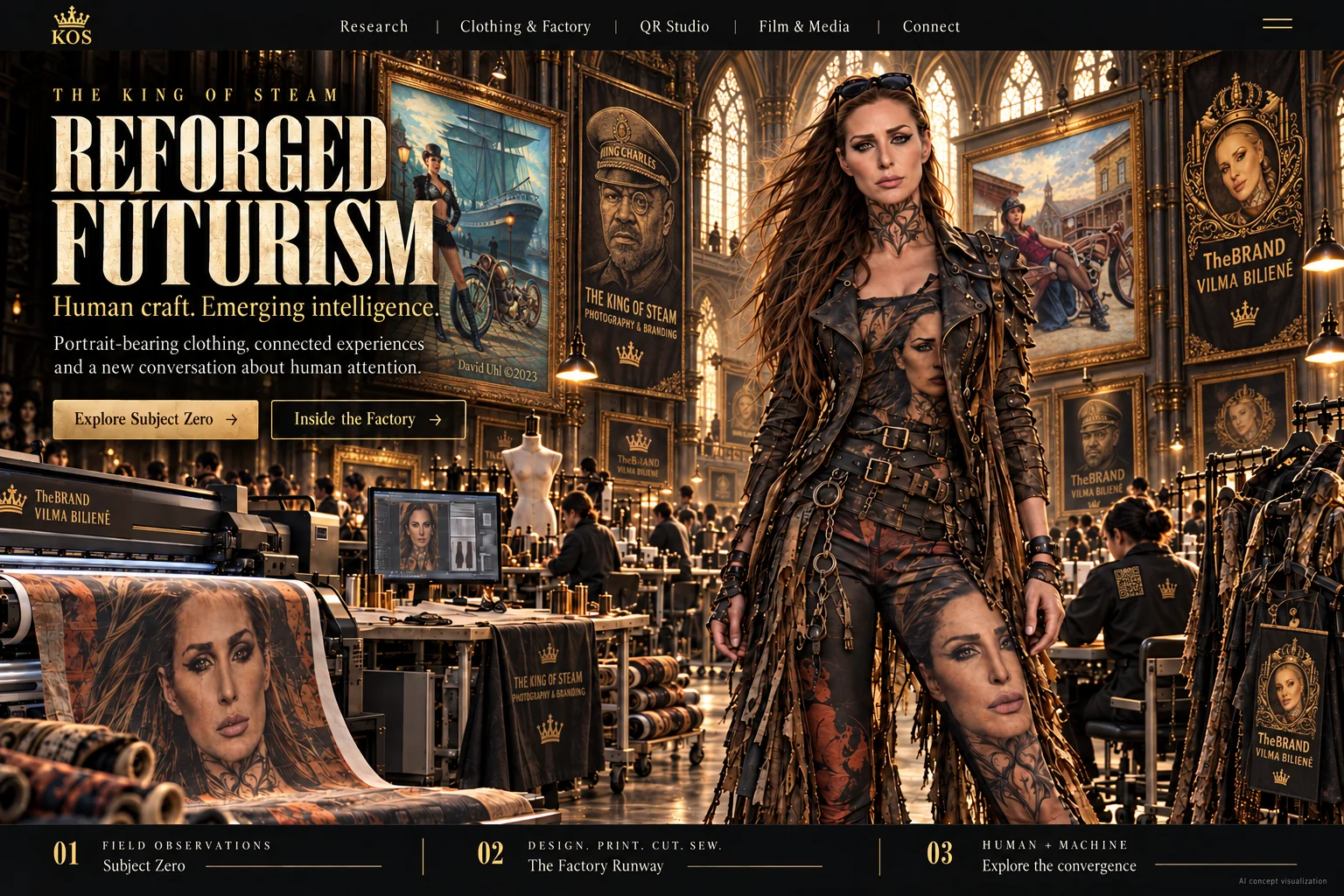
AI concept visualization of the KOS creative world.
MAKE SOMETHING THEY CAN’T IGNORE.
Design your own clothing. Turn your images and ideas into wearable art with AI-assisted design, practical learning, and factory production support.
Your bridge to the American market.
Tariffs. Shipping disruption. A changing workforce. Rethink where your apparel is produced and how it reaches your American customer.
Explore U.S. production for qualifying apparel. Watch the short film, then tell KOS what your business can bring.

THE KOS LEARNING PATH
Learn to create it. Learn to bring it to the world.
Our three-level curriculum connects creative ideas to garment production, wearable campaigns and digital experiences. Build the skills to design, present and develop a product with purpose.
Level 1 · Design & Manufacture
Work with garment patterns and follow the process from artwork through printing, cutting, sewing and quality checks.
Level 2 · The Walking Billboard
Learn how a garment opens a conversation. Plan your audience, presentation, scan invitation and next action.
Level 3 · Connected Garments
Develop the QR experience, product information and measurement plan behind the garment, including digital product passport readiness.
Bring this learning into your school or organization.
Explore curriculum licensing, preparation for your designated instructor, and agreed contributions from Chuck and Vilma. Program scope, manufacturing and delivery dates are arranged with each institution.
Learn how to turn your artwork into a garment design
Watch Vilma guide you through the process, then open Clothing Studio and start with one design. See the practical skills KOS teaches before choosing your learning or production path.
Watch the garment-design walkthrough with Vilma · 3:21 →
Includes current editor steps and labeled demonstrations of proposed AI review features. Review images are not production files.
The factory relationship behind KOS
Ten years of working with a manufacturing partner connect Chuck and Vilma’s creative ideas to garment production. Step inside the process, from artwork and printing to cutting and sewing.
THE KING OF STEAM · CHUCK & VILMA
Your image. Your garment. Your next conversation.
Create distinctive clothing, connect it to a digital experience, and learn the process behind it.
See what the garment makes possible.
Watch how a wearable campaign works · 28 seconds
A face catches someone’s attention. They ask about it. The wearer shares the story and invites a scan. The next page gives that conversation somewhere to go.
Start with a photograph, logo or artwork you have permission to use. Place it on a garment template. Review the design with KOS before sampling and production.
One process. Two ways to use it.
For your business
Develop a garment and connected campaign for your audience, event or customer project.
For your school or program
Teach the decisions behind design, production and a wearable campaign through an agreed curriculum and instructor model.
Make a first design. Decide the next step.
The Studio lets you place artwork on fixed garment outlines and save a design. KOS then reviews fit, artwork, QR placement, costs and the production plan with you. A saved design is a starting point for review, not a manufacturing order.
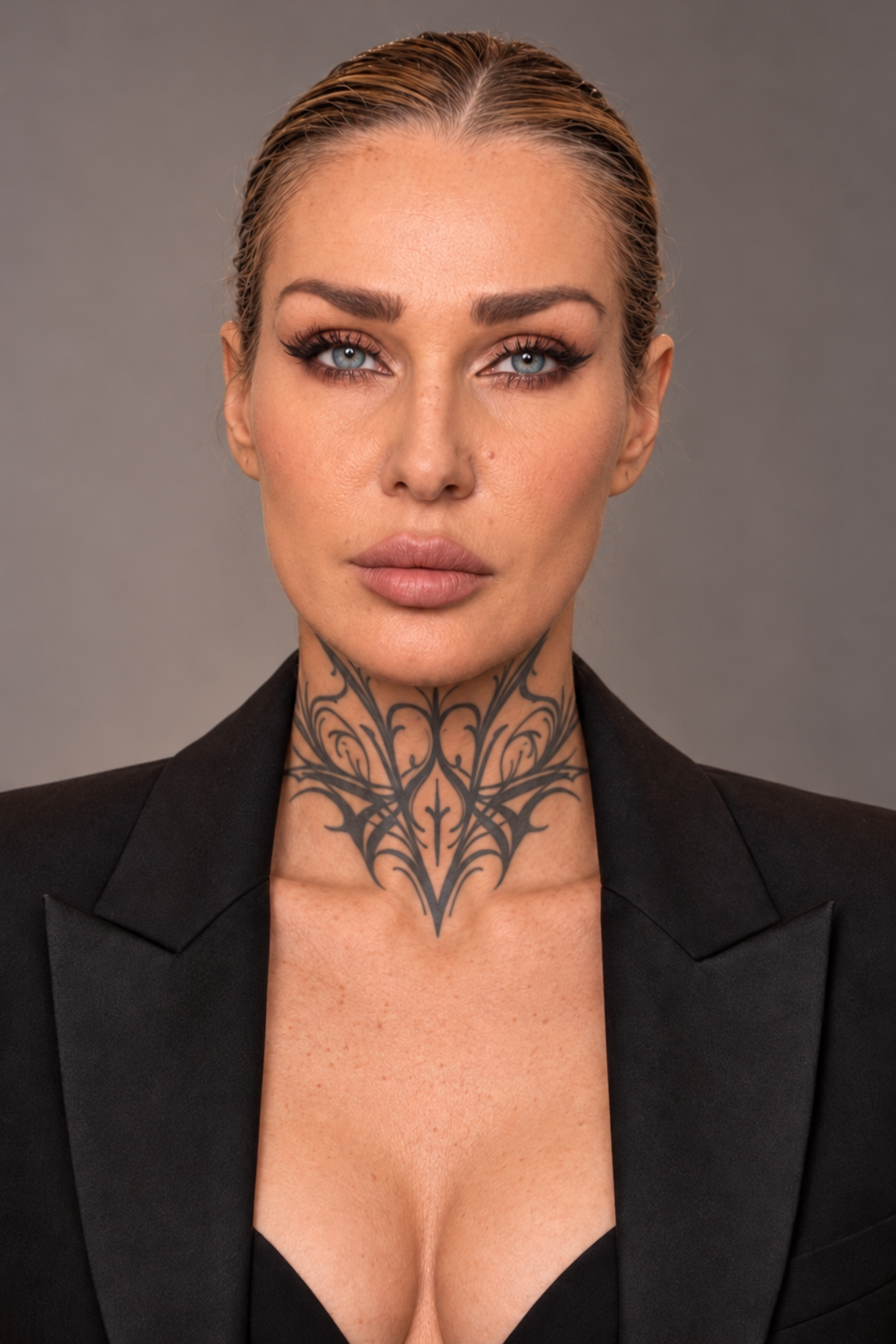 Meet VilmaExplore your options
YOUR KOS GUIDE
Where would you like to begin?
Choose a path to hear Vilma explain it.
AI guide using Vilma’s approved likeness and voice. Explanation scenes are illustrative; the factory tour includes real archive production footage. Video plays only when you choose. Live Q&A is not connected.